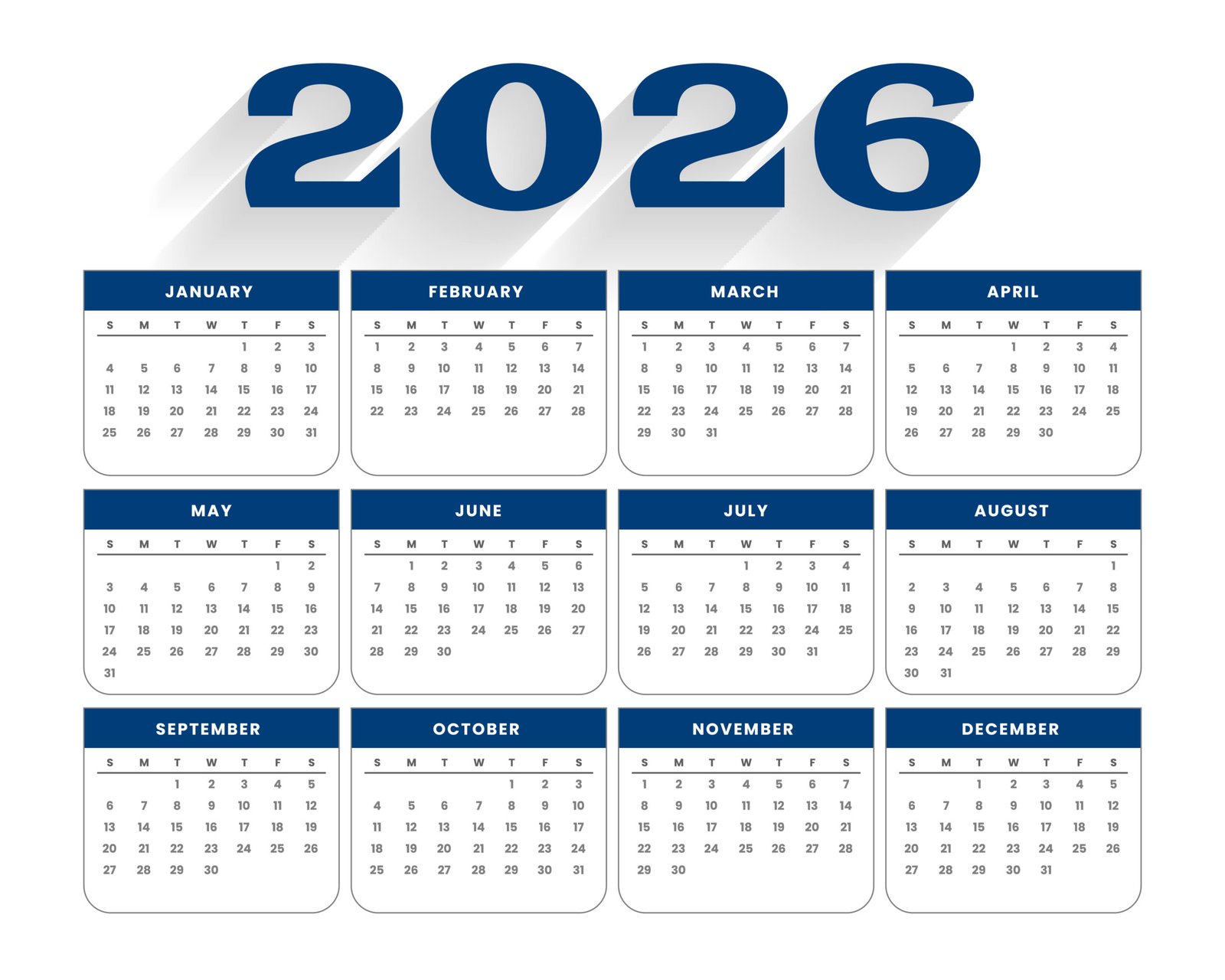
Mithila Painting Calendar Maker
Upload your Mithila painting to combine it with a 2026 calendar. Add your name as the artist and download the final image as a JPEG.
Upload & Customize
Click to upload your Mithila painting
Supports JPG and PNG files
Artist:
Preview & Download
Your combined image will appear here
9:16 Portrait Ratio (1080×1920)
Generating preview...
Final output: 1080×1920 pixels (9:16 portrait ratio)
How to use this tool:
- Click the upload area to select your Mithila painting (JPG or PNG format).
- Enter your name in the "Mithila Painting By" field.
- Click "Preview Combined Image" to see how your painting will look with the 2026 calendar.
- Your painting will be automatically scaled to fit above the calendar while maintaining its proportions.
- Once you're satisfied with the preview, click "Download as JPEG" to save the combined image.
- Use the "Reset" button to start over with a new image.
Note: All processing happens in your browser - no images are uploaded to any server.